
Does this picture look AI-made? See the pixels behind the answer.
Drop a picture and the tool measures three patterns that generated images often share, then shows the noise and edge maps it read them from. It is a hint, not proof: check the source and the context too.
- Runs in your browser
- Nothing is uploaded
- Free, no account
JPG, PNG, WebP, GIF, BMP or AVIF. You can also paste one with Ctrl+V.
Reading
Waiting for a picture.
0/100
AI-likeness
-
Gradient spread
weight 40%--How strongly and in which directions the brightness changes. Generated images tend to change more gently and more evenly.
-
High-frequency noise
weight 30%--How much fine grain is left between neighbouring pixels. Camera sensors leave grain, generators usually leave less.
-
Edge evenness
weight 30%--Whether edge strengths vary like in a photo or bunch together like in a rendered image.
The score only describes pixels. Edited photos, screenshots and pictures sent through chat apps can look AI-like, and AI images with added grain can look real.
How the check works
- Step 1
The picture is shrunk and turned grey
It is scaled to 256 pixels on its longest side and every pixel becomes one brightness value, so the size of the file does not matter.
- Step 2
Three patterns are measured
The tool looks at how brightness changes from pixel to pixel, how much fine grain is left after a light blur, and how evenly the edges are spread.
- Step 3
Each reading becomes a score
Readings are turned into 0 to 100 and combined, 40 for gradients and 30 each for noise and edges. The maps show where the grain and the edges are.
When the score misleads
Smoothed photos
Night mode, beauty filters and noise reduction remove the grain a sensor leaves, so real photos can score high.
Compressed copies
Screenshots and pictures sent through WhatsApp or social media are resized and recompressed. Check the original file when you can.
Added grain
Grain, sharpening or a photo of a screen can make an AI image look camera-made.
Busy scenes
Leaves, crowds and fabric add texture and push the score towards camera-like.
Questions about the AI image check
Can this tool prove a picture was made by AI?
No. It measures three patterns in the pixels that AI images often share: smooth gradients, little fine-grained sensor noise and very even edges. Real photos can have those patterns too, and AI images can be edited to hide them. Use the score as one hint next to the source, the context and a reverse image search.
Does my picture get uploaded?
No. The picture is opened and measured with JavaScript inside this browser tab. Nothing is sent to our server or to any other service, and the result disappears when you close the tab.
Why does my real photo score high?
Photos that were smoothed by a phone's night mode or beauty filter, shot in a studio with soft light, heavily compressed, resized many times or passed through a chat app lose the fine noise a camera sensor leaves. To this tool they look like generated images. Test the original file from the camera when you can.
Why does an AI image score low?
Some generators add grain, and people often add noise, sharpen or re-photograph AI images. Busy scenes with lots of texture, such as foliage or crowds, also raise the noise and edge readings. A low score does not mean the picture is real.
What do the three readings mean?
Gradient spread looks at how strongly and in which directions the brightness changes. High-frequency noise compares each pixel with its neighbours to see how much fine grain is left. Edge evenness checks whether edge strengths are spread out like in a photo or bunched together like in a rendered image. Each reading is turned into 0 to 100, where higher means more like a generated image, and the overall score weighs them 40, 30 and 30.
Which files can I check?
JPG, PNG, WebP, GIF, BMP and AVIF, as long as your browser can open them. HEIC photos from an iPhone open in Safari only. The picture is measured at 256 pixels on its longest side, so very large files work too.
Is it free?
Yes. There is no account, no limit and no watermark.
More free tools
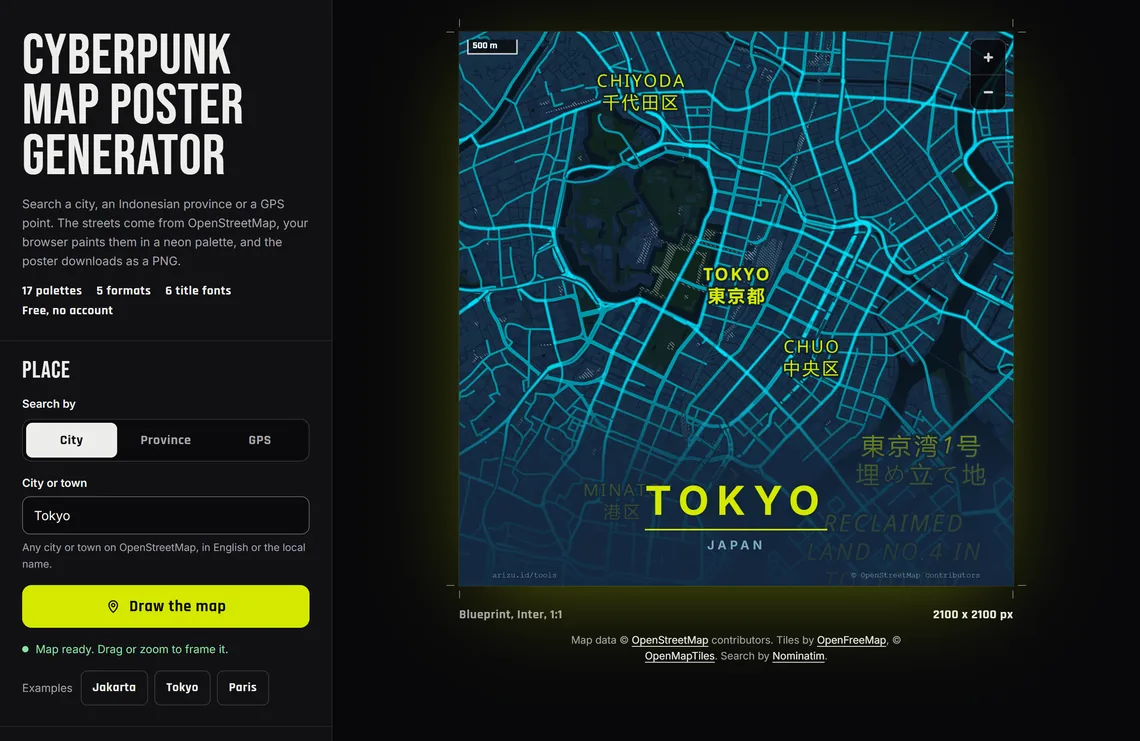
Map design
Cyberpunk Map Poster
Browser + OpenStreetMap
Chat mockup
WhatsApp Chat Generator
In your browser
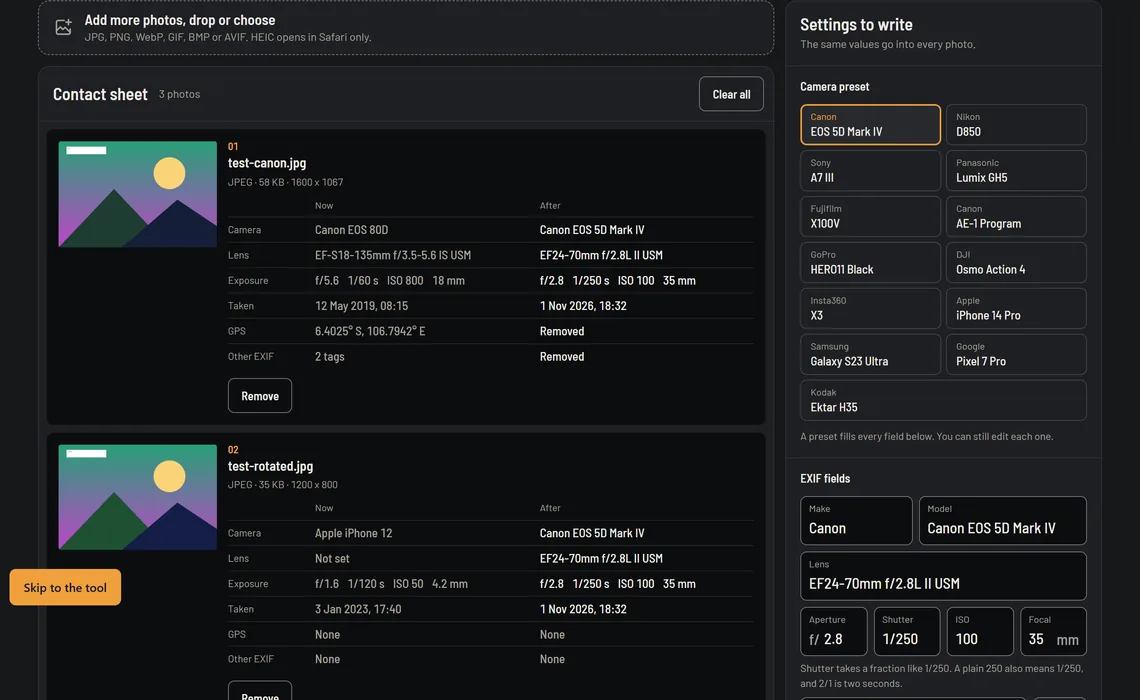
Photo metadata
EXIF Image Editor
In your browser
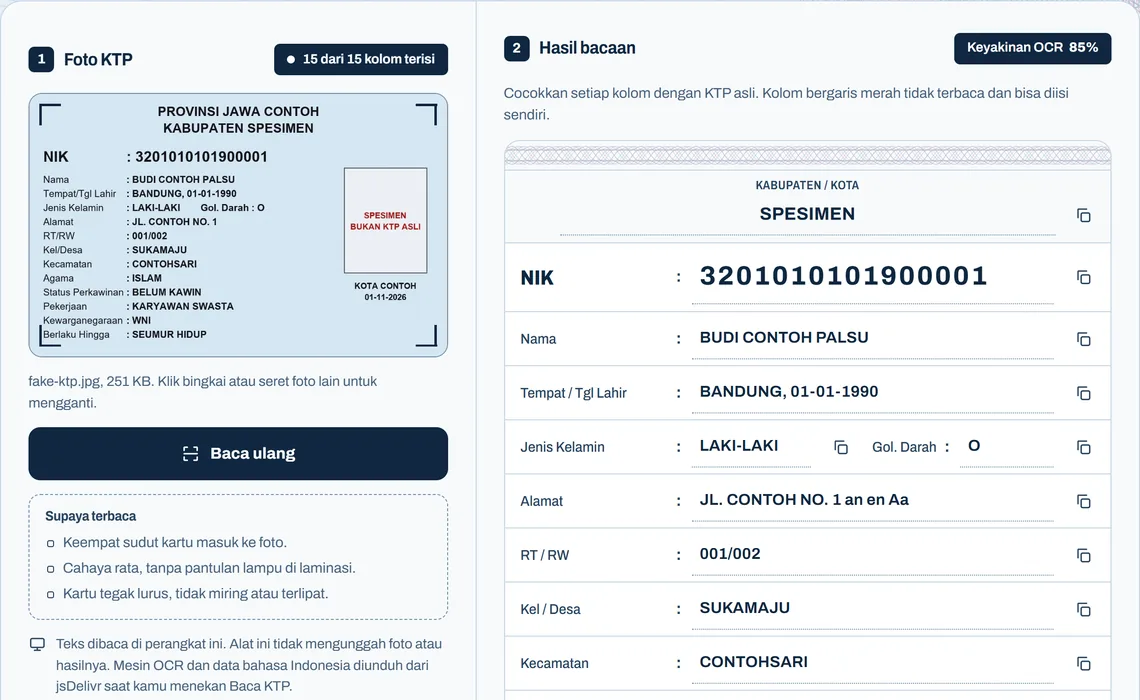
ID card OCR
KTP Reader
In your browser
CV builder
Buat CV Gratis
In your browser
Certificate
Sertifikat IMPHNEN
Made on our server