
Read the EXIF in your photos, then rewrite it.
Load one photo or a batch. The contact sheet shows the camera, lens, exposure, date and GPS each JPEG holds now, next to what it will hold once you pick one of 13 presets or type your own values.
- Presets
- 13 cameras and phones
- Reads
- EXIF from JPEG files
- Saves
- One JPEG per photo
- Uploads
- None, it runs in this tab
JPG, PNG, WebP, GIF, BMP or AVIF. HEIC opens in Safari only.
From photo to new EXIF
- Step 1
Load your photos
Drop them on the dashed area or choose files. JPEGs show their current EXIF in the contact sheet right away. PNG, WebP and other formats are listed too, but their metadata is not read.
- Step 2
Pick a preset or type values
A preset fills make, model, lens, aperture, shutter speed, ISO and focal length. Every field stays editable. If the date is empty, the preset sets it to the current time.
- Step 3
Compare before you write
Each frame lists what the photo holds now next to what it will hold after. GPS position and other EXIF tags that will be dropped are marked Removed.
- Step 4
Write and save
Write EXIF replaces the EXIF block in every photo, then reads the new file back, so the frame shows what was really written. Save each file or use Download all.
What happens to the file
JPEG image data stays untouched
Only the EXIF block is swapped. The picture is not recompressed, so its quality does not change.
Other formats become JPEG
PNG, WebP, GIF, BMP and AVIF are redrawn and saved as JPEG at quality 92. Transparent areas turn white, and an animated GIF keeps only its first frame.
Old EXIF is dropped
GPS position, serial numbers, the embedded thumbnail and every tag this tool does not write are removed. The rotation flag is copied over, so the photo stays upright.
XMP and IPTC are left alone
Some apps store metadata outside EXIF, as XMP or IPTC. This tool does not read or change those parts.
HEIC needs Safari
Chrome, Edge and Firefox cannot open HEIC files, so convert them to JPG first. Safari on recent Apple devices can open them.
Nothing is uploaded
Reading and writing happen in this tab. The EXIF library, piexifjs, loads from the jsDelivr CDN.
Questions about EXIF and this tool
Does this page upload my photos?
No. The photos are read and rewritten with JavaScript inside this browser tab, and the new files are saved straight from it. The only part the tool fetches from outside is piexifjs, the open source EXIF library, which loads from the jsDelivr CDN.
Which EXIF fields does it write?
Make, Model, LensModel, FNumber (aperture), ExposureTime (shutter speed), ISOSpeedRatings, FocalLength and DateTimeOriginal (date taken). The same values go into every photo you load.
Does it remove the GPS location?
Yes, from EXIF. The old EXIF block is replaced as a whole, so GPS tags, serial numbers and the embedded thumbnail are gone. Location that some apps store separately as XMP or IPTC is left as it is.
Will my JPEG lose quality?
No. For JPEG files only the EXIF block is swapped, and the image data stays byte for byte the same. PNG, WebP and other formats are redrawn and saved as JPEG at quality 92, so those files are re-encoded.
Can I edit HEIC photos from an iPhone?
Only in a browser that can open HEIC, which today means Safari on recent Apple devices. Chrome, Edge and Firefox cannot decode HEIC, so the frame shows an error there. Convert the photo to JPG first.
How do I type a shutter speed?
Type a fraction such as 1/250. A plain 250 is read as 1/250, the way cameras display it. For long exposures, type 2/1 for two seconds.
Can I edit several photos at once?
Yes. Load several photos and the same values are written to each one. Every frame gets its own download button, and Download all saves them one after another. Your browser may ask once before it allows several downloads.
Can EXIF prove when or where a photo was taken?
No. As this tool shows, anyone can rewrite EXIF in a minute. Treat it as a label, not as evidence.
More free tools
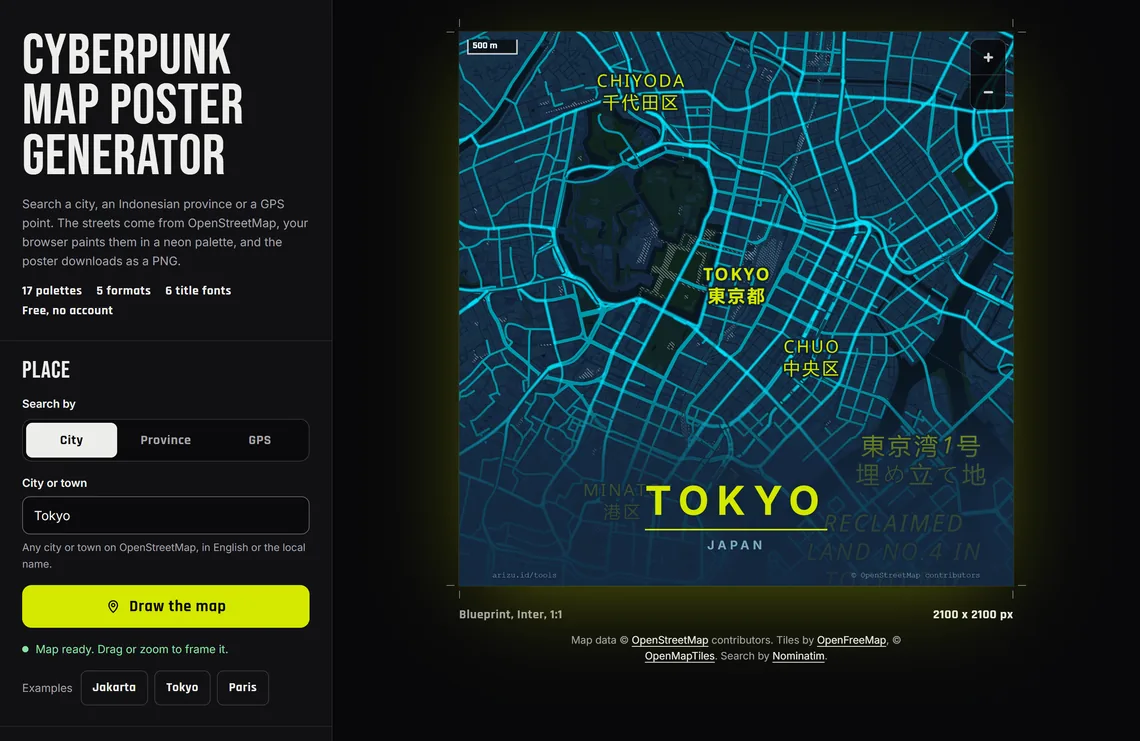
Map design
Cyberpunk Map Poster
Browser + OpenStreetMap
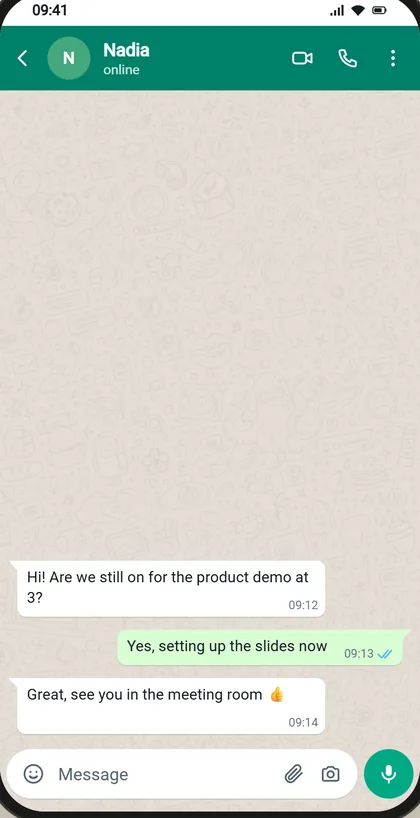
Chat mockup
WhatsApp Chat Generator
In your browser
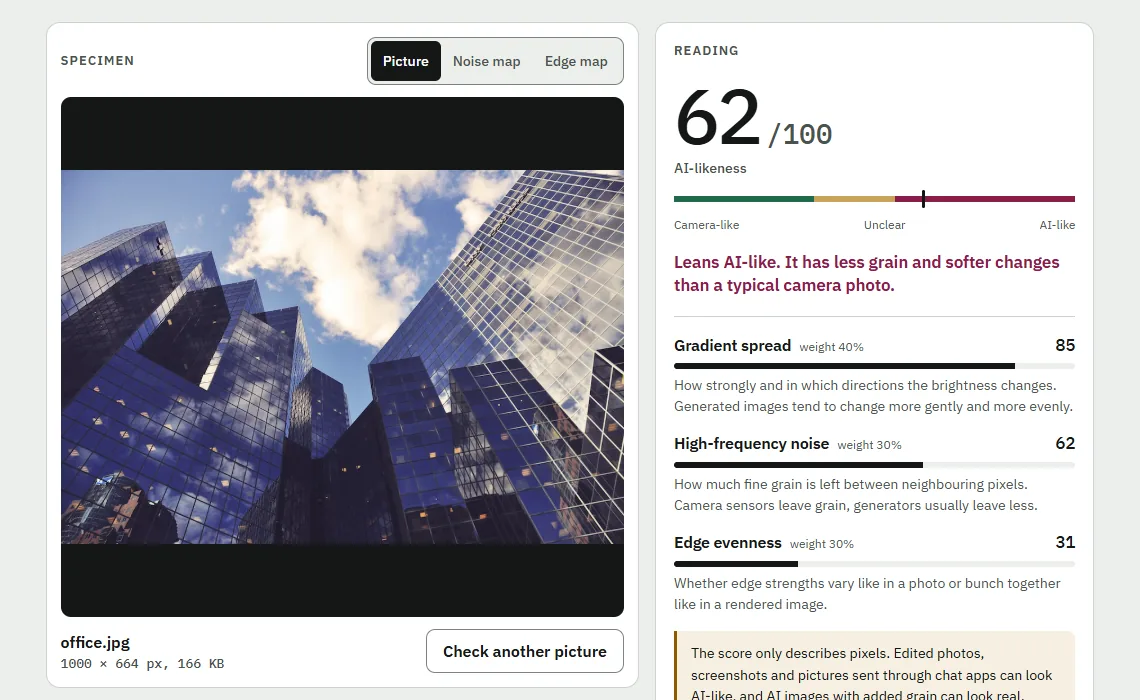
Image check
AI Image Detector
In your browser
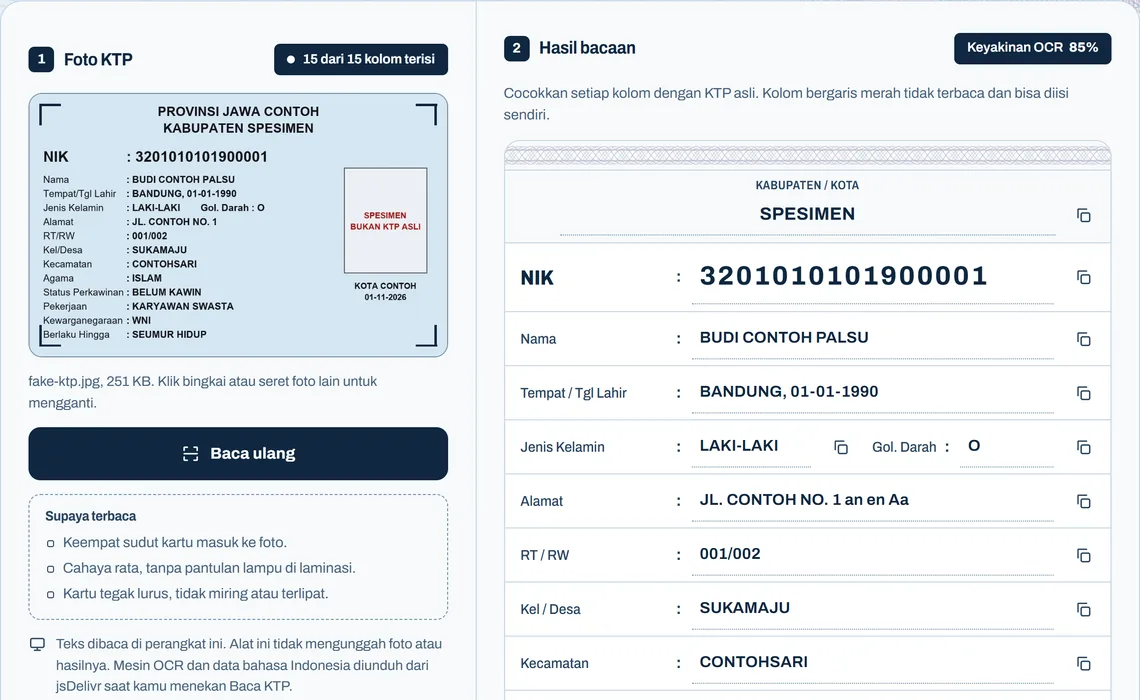
ID card OCR
KTP Reader
In your browser

CV builder
Buat CV Gratis
In your browser
Certificate
Sertifikat IMPHNEN
Made on our server